Create Your Account
To start using the BlitzTrader API, you first need to register and create an account. This quick guide will walk you through the sign-up process on the BlitzTrader portal.
Steps to Sign Up
1. Open the Create Account Page
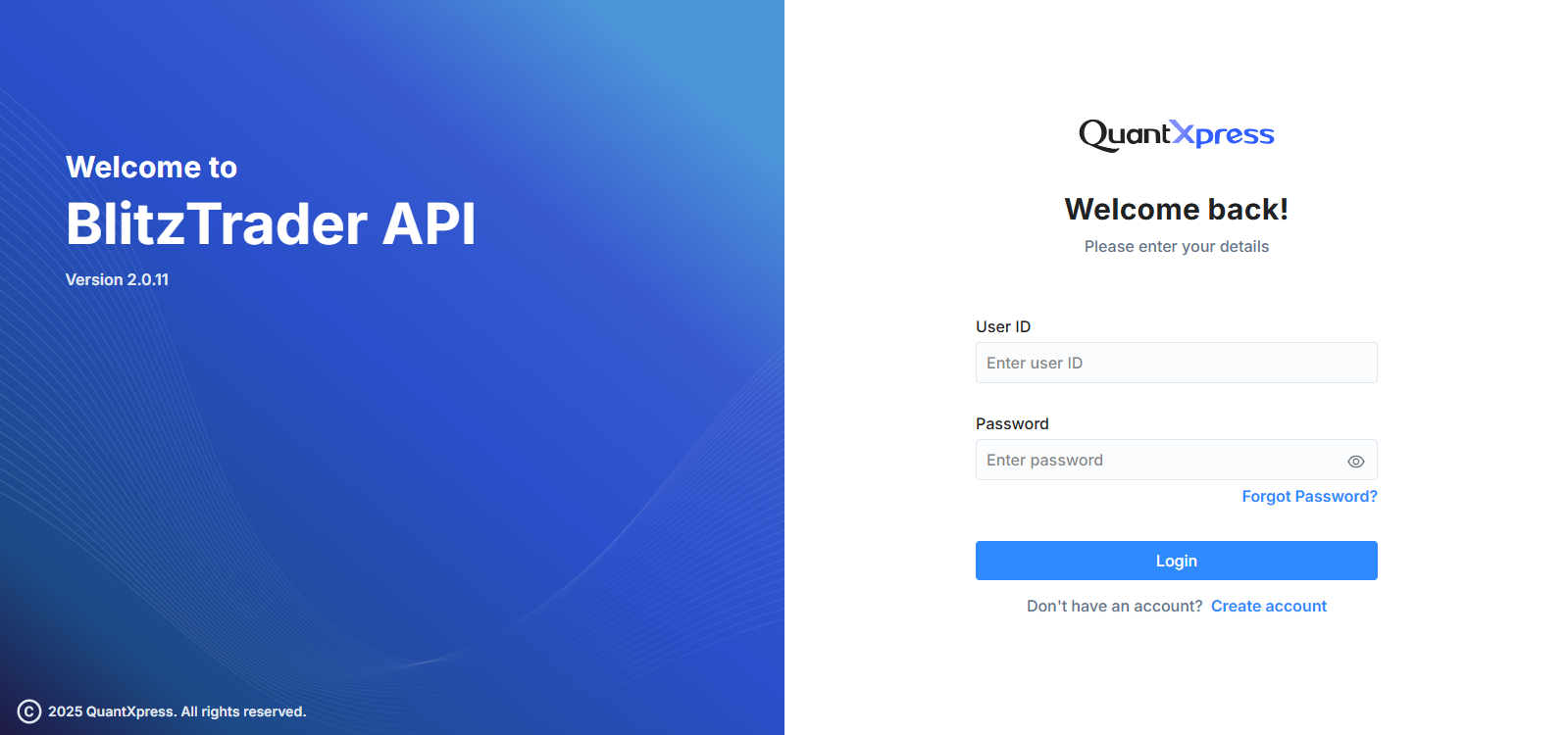
Go to the BlitzTrader login screen and click on the Create Account link at the bottom.
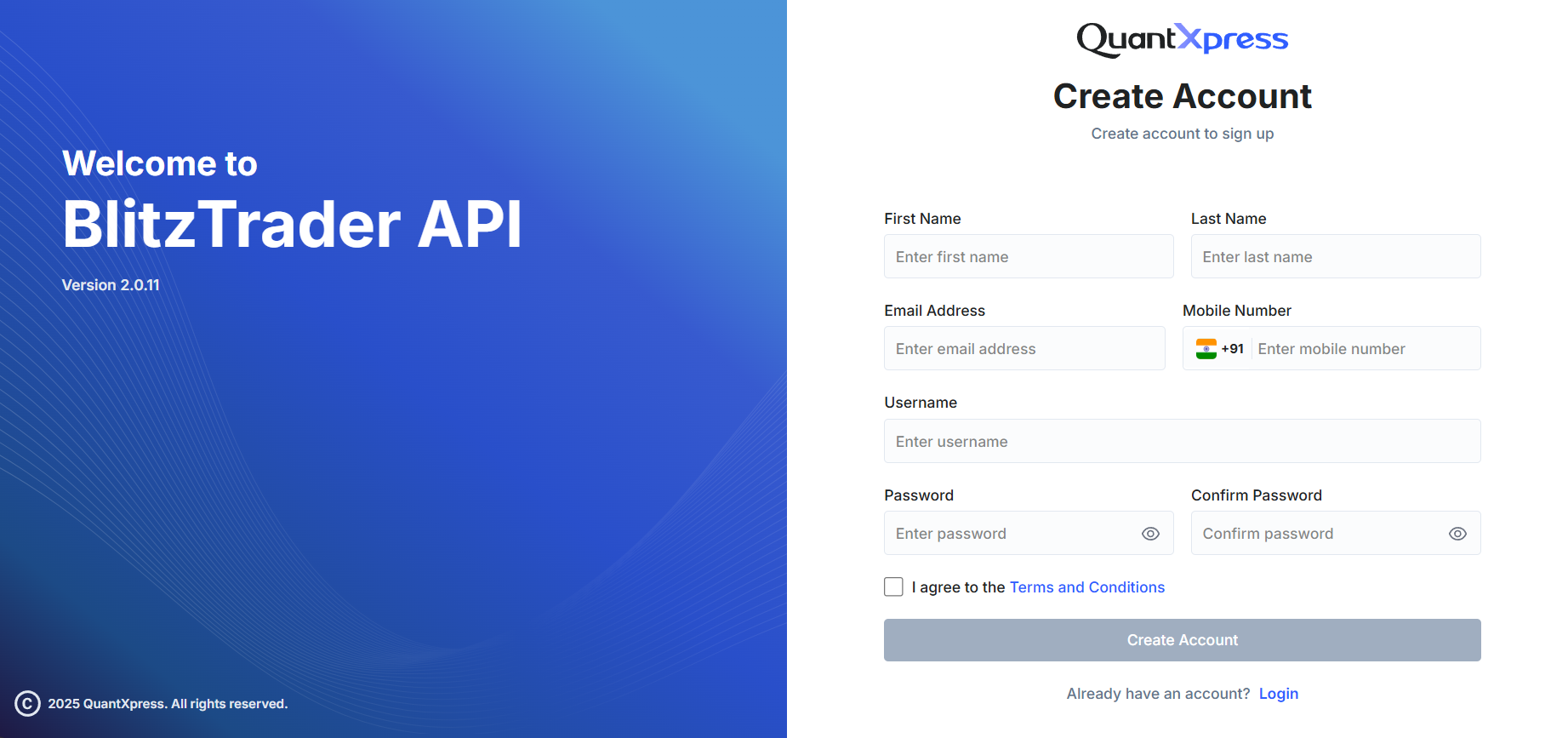
2. Fill in the Form Details
You will need to provide some basic information to set up your account:
- First & Last Name: Your full legal name.
- Email Address: An active email address. (We will send important account notifications and verification links here).
- Mobile Number: A valid mobile number. (Make sure you can receive SMS on this number for OTP verifications and alerts).
- Username: A unique name you will use to log into your account.
- Password: A strong, secure password to protect your account.
Password Guidelines
To keep your account safe, your password must:
- Be at least 8 characters long.
- Include both uppercase and lowercase letters.
- Include at least one number and one special character (e.g., @, #, !).
3. Accept Terms & Conditions
Before you can proceed, you must check the box that says "I agree to the Terms and Conditions".
Security Warning
Make sure to read through the terms before accepting. This includes our general platform terms as well as POS machine terms, which govern the use of BlitzTrader services.
4. Complete Registration
Once all fields are filled out correctly, click the Create Account button to finish registering.
That's it! If you already have an account, you can simply click the Login link instead to sign in directly.