Zerodha Adapter Documentation
This guide explains how to connect your Zerodha account with Blitz using Kite Connect APIs, enabling secure authentication, market data access, and order execution directly through the platform.
Prerequisites
Before you begin, ensure that:
- You have an active Zerodha trading account
- Kite Connect API access is enabled for your account
Create a Zerodha Developer Account
- Visit the Zerodha developer portal: Zerodha Developer Portal
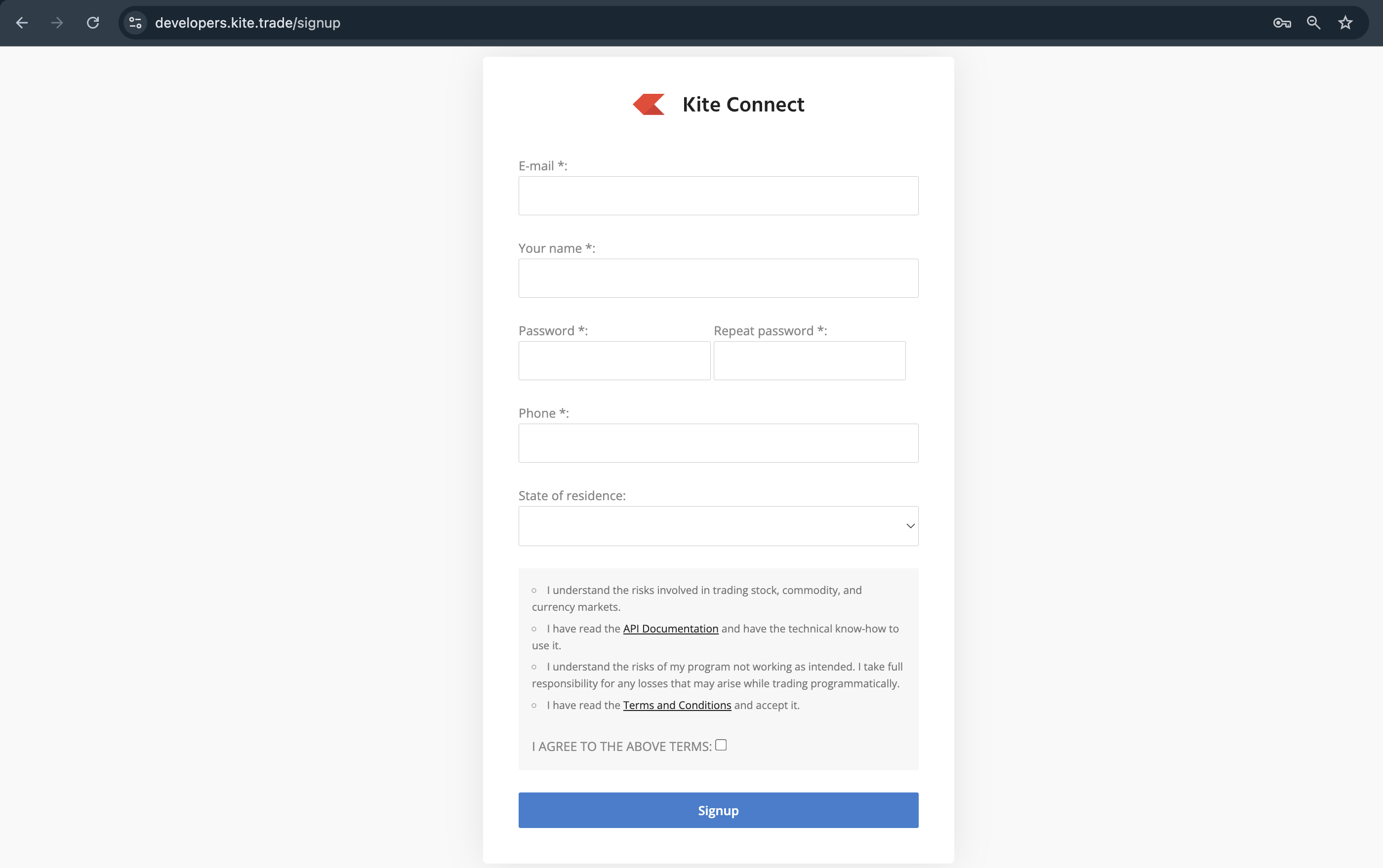
- Sign up or log in to create the account.
- You will be redirected to the App creation page of Zerodha.
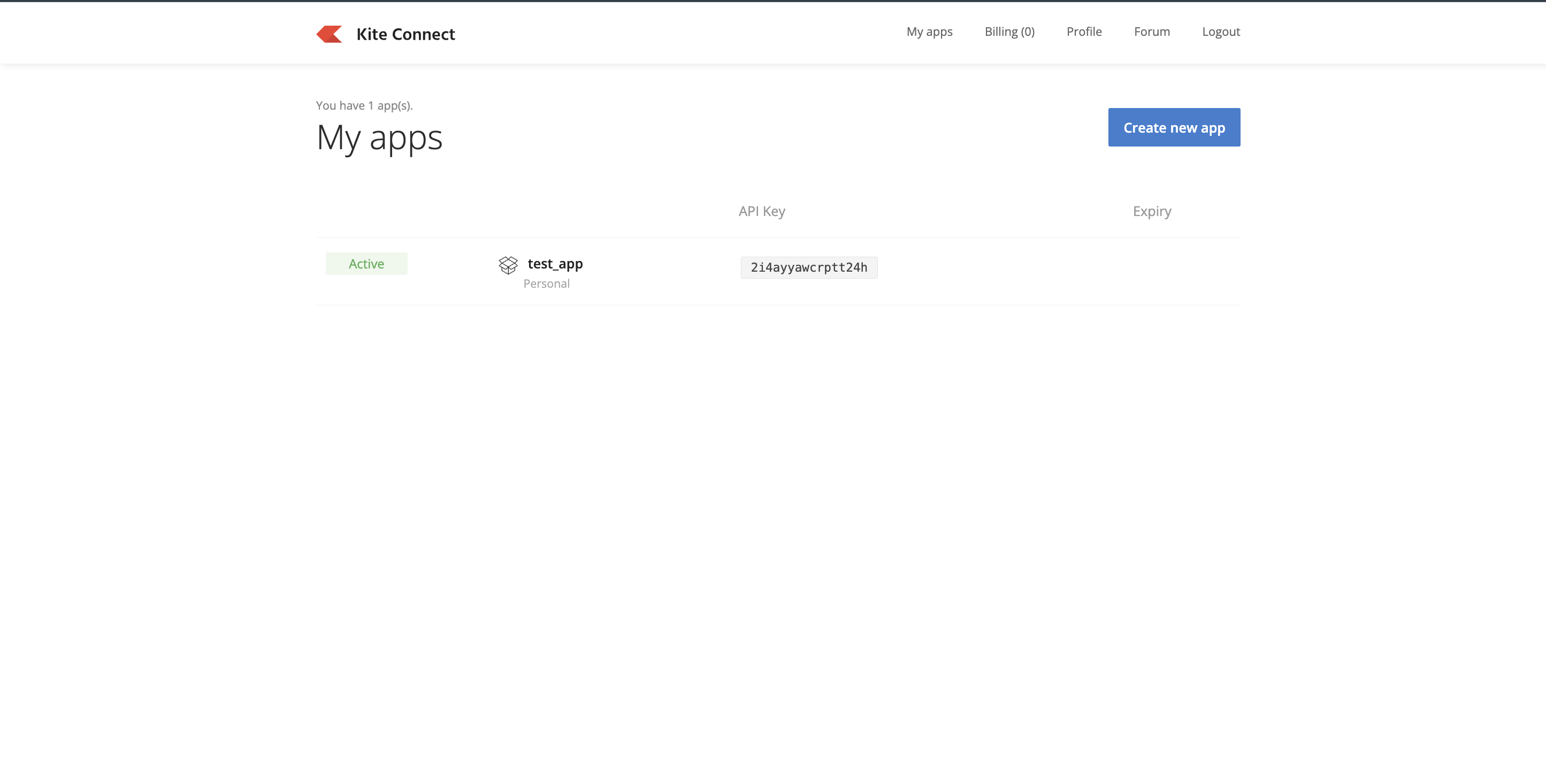
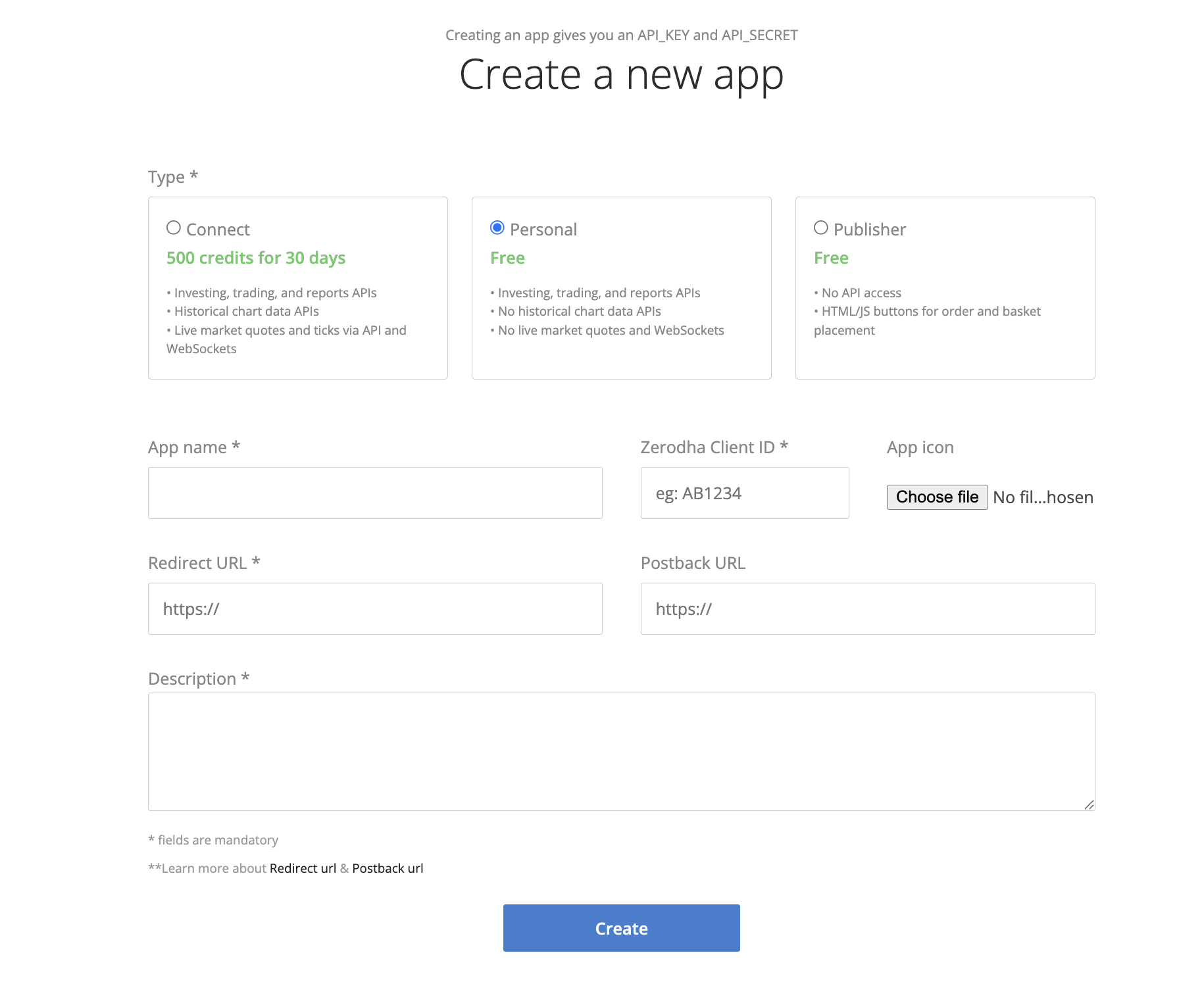
- Click on the Create new App button and choose Personal and fill the mandatory details
Get API Credentials
After creating the app, Zerodha will provide:
- API Key
- API Secret
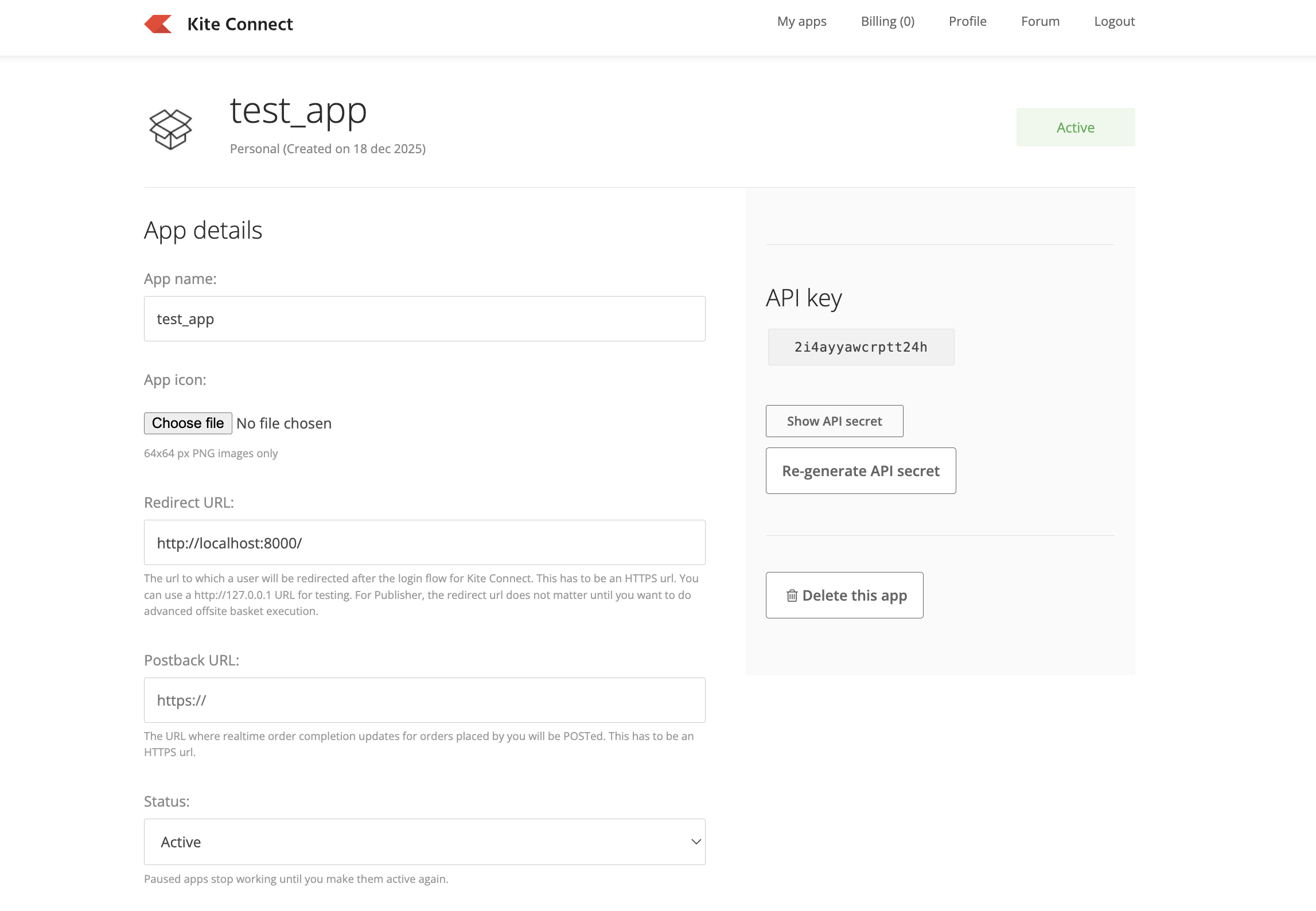
Security Warning
Keep these credentials secure. Do not expose them in public.
Generate TOTP Secret
Login to the zerodha dashboard using the link Zerodha Login
- Go to Password & Security at the top right corner of your dashboard
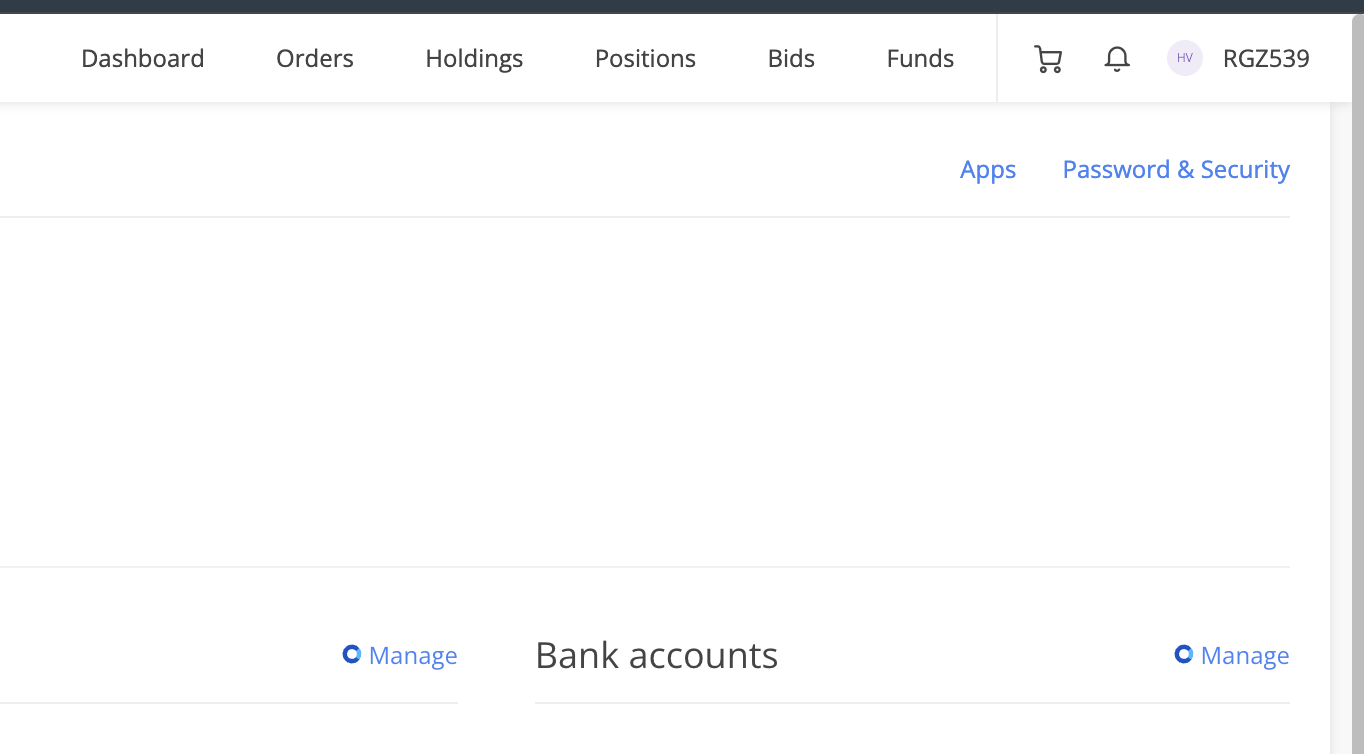
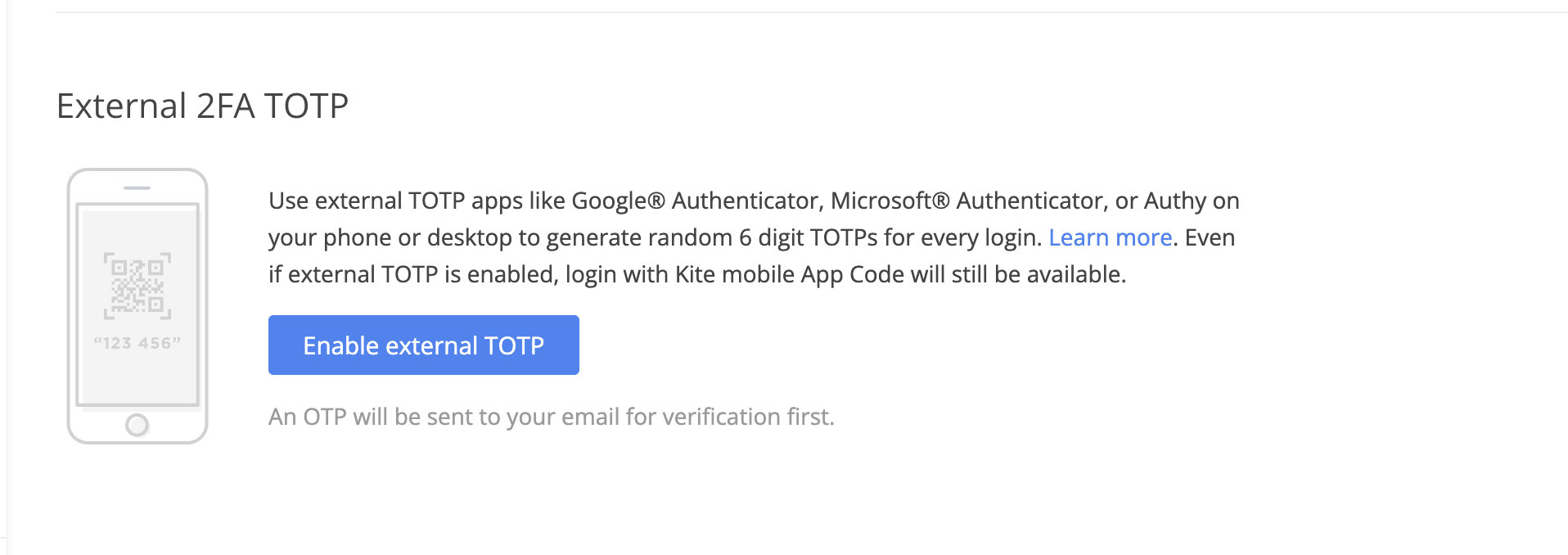
- Enable 2FA TOTP
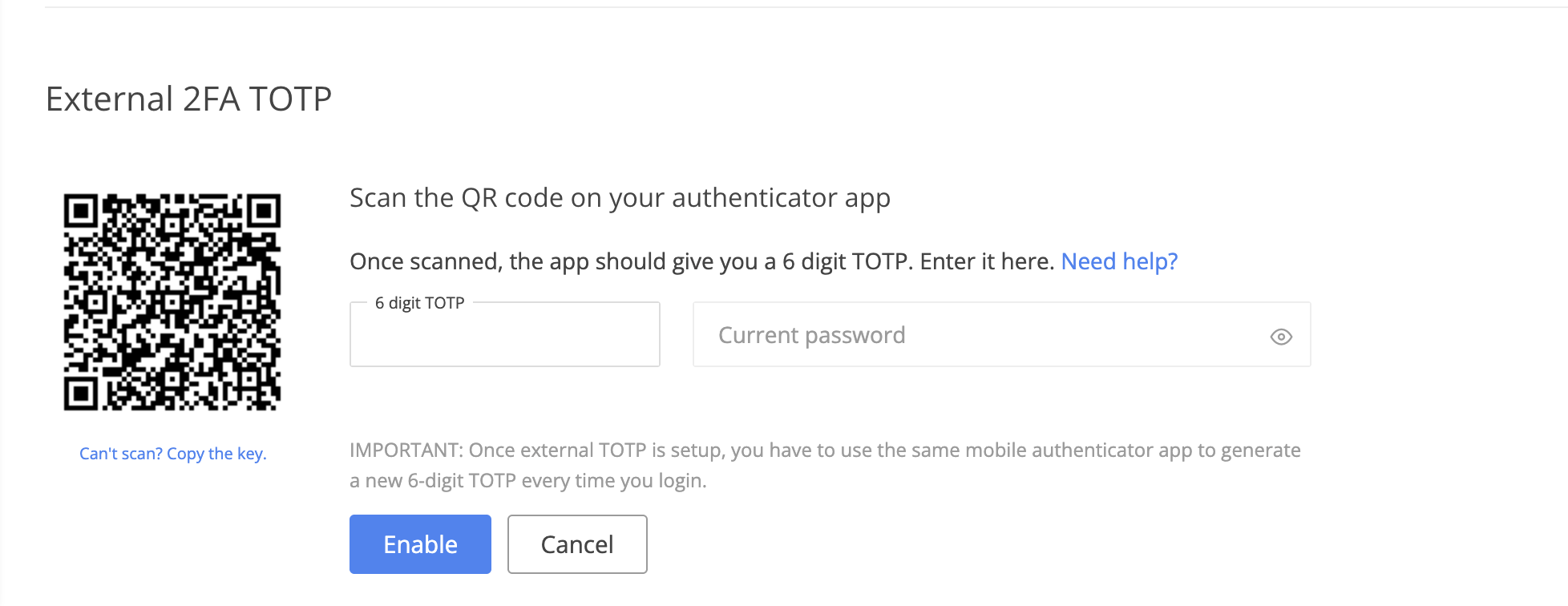
- Download google authenticator app on your mobile and before scanning the QR code click on "Can't Scan? Copy the Code" at the bottom of the QR Code, and save the text this is your TOTP Secret
Fill all the credentials in the TPOMS
After successfully generating all the credentials like
- API Key
- API Secret
- TOTP Secret
Login in to TPOMS
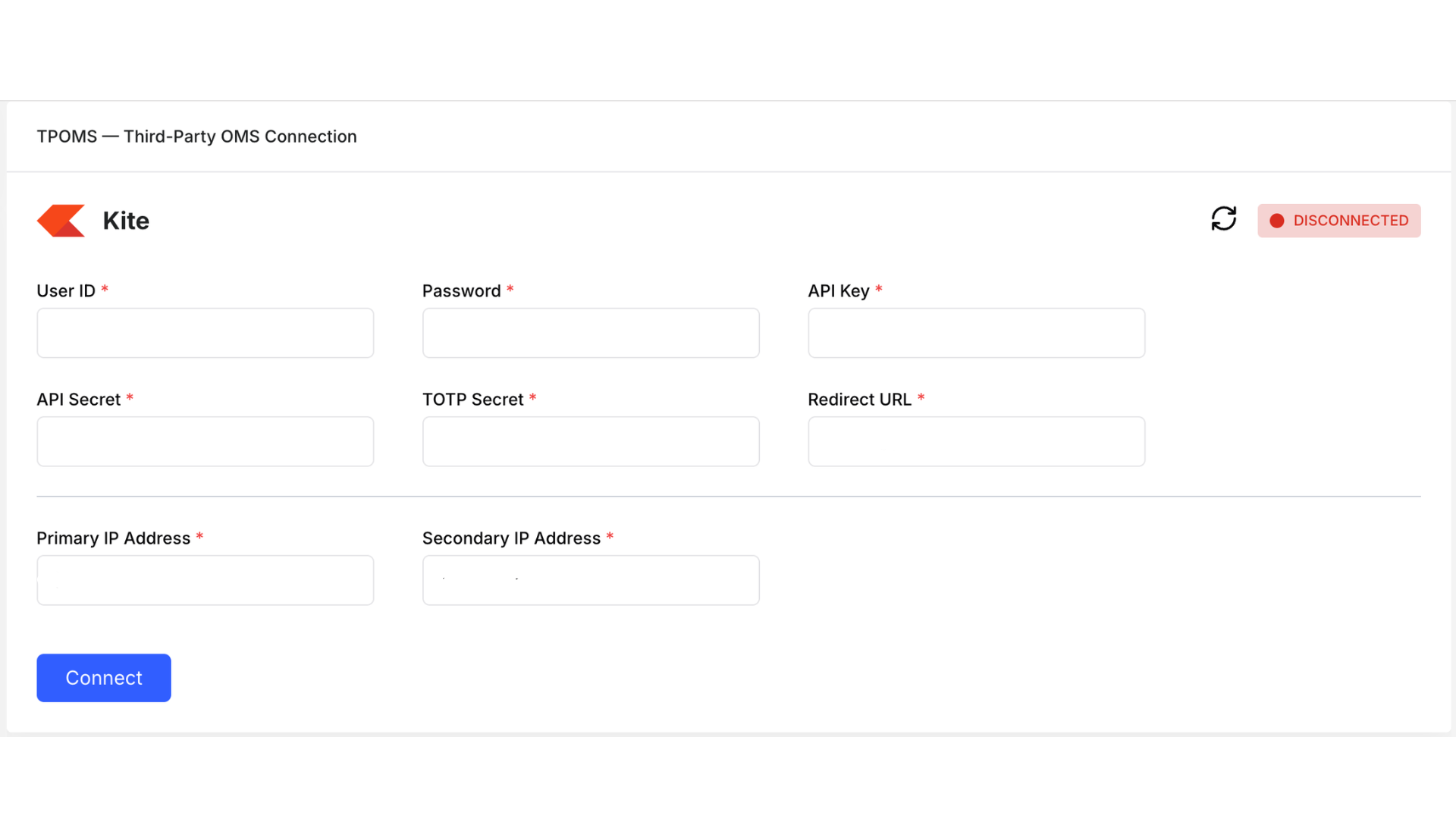
Click the Connect button and you are connected